
YOUR CHROME SHOPPING EXTENSION
Find clothes
from a photo.
The sold-out jacket. The vintage find. Right-click a photo and search resale and retail stores for the piece you want, or something close.
No account needed Desktop Chrome
- Google Shopping
- eBay
- Poshmark
- Depop
- Grailed
- Amazon
HOW IT WORKS
From a screenshot to a search.
Start with a photo
Right-click an image in Chrome, or paste, drop, or upload a photo. Crop to the garment you want to find.
Get the words right
Get editable search phrases from the garment’s visible details, or describe it yourself. Add your size to the search.
Search several stores
Open your selected marketplaces in one Chrome tab group, or search the cropped photo with Google Lens.
SAVED LOOKS
Keep the hunt going.
Save the photo, search terms, and filters so you can pick up where you left off. Connect eBay to see listings in the side panel and check for new listings and price drops.
How eBay alerts work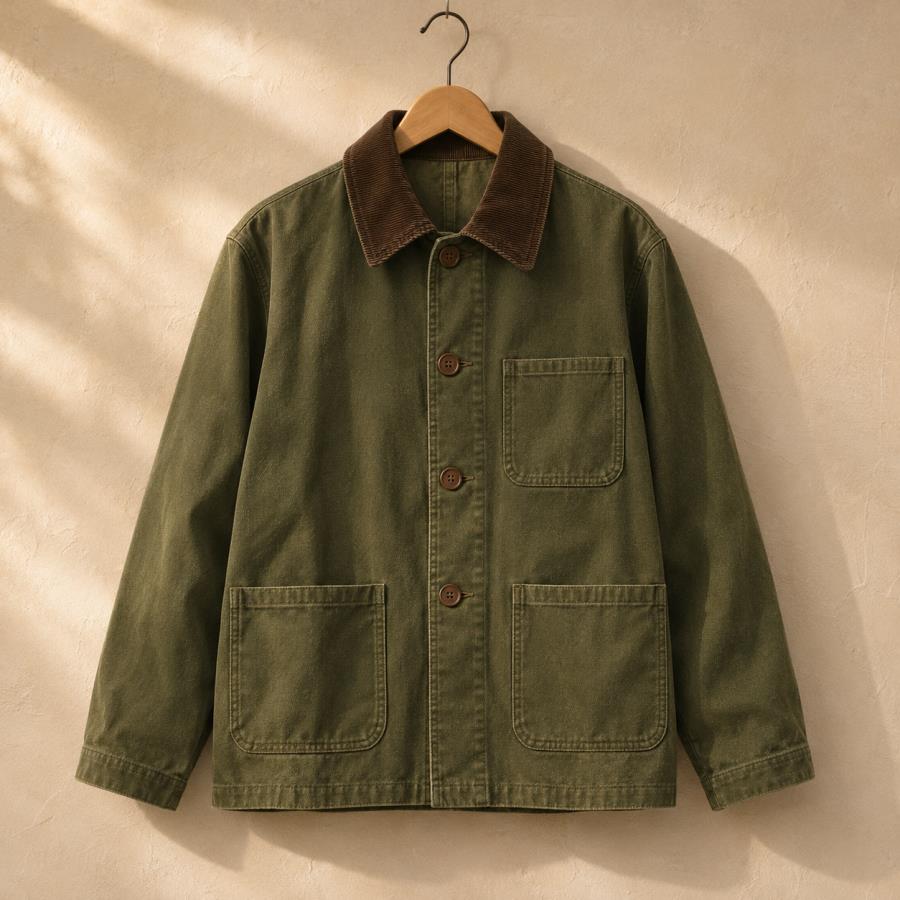
Olive chore jacket
Size M · New or used
Saved in ChromeWhat do I need to use SeamSeek?
Desktop Chrome 138 or newer. Photo analysis uses Chrome’s built-in AI on supported computers, and Chrome may need to download the model first. You can enter details manually or optionally supply your own Gemini API key.
Will SeamSeek find the exact item?
The extension builds searches from the details it can see. Results depend on what’s listed and how sellers describe it. Try a more specific phrase or Google Lens when looking for the exact piece.
Where do results and filters appear?
Store searches open in each marketplace’s own tab. Size is included in the search phrase. Price and condition filters apply to eBay, and connecting eBay adds listings and alerts inside SeamSeek.
Where do my photos go?
Chrome’s built-in analysis runs on your device. Your saved looks stay in your browser. The photo can be sent to Google Lens, Gemini, or eBay when you use those features. See the privacy policy for details.